Signing up and logging in
You can create an account at yurnichost.com with the Register button, or sign in with Google, GitHub or Discord.
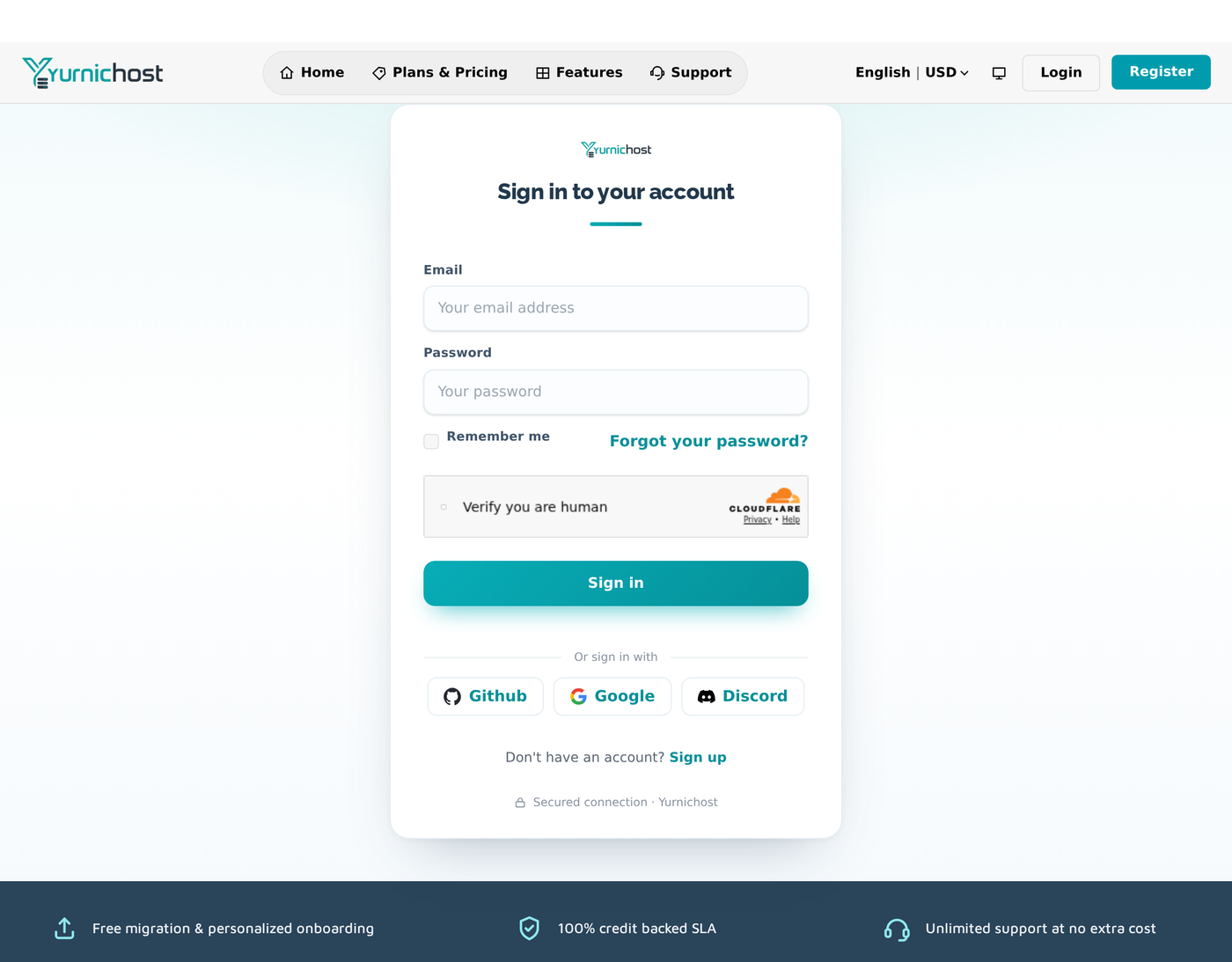
- Choose Register (or a social sign-in option).
- Enter your details and confirm your email address — we send a verification link.
- You're in. Head to your Dashboard.
Forgot your password? Choose Login → Forgot password, enter your email, and follow the reset link.
Tip: whatever email you sign up with is where invoices, renewal reminders and ticket replies go — keep it current under Account → Personal Details.
Still need help?
Contact support
Our team is happy to help - open a ticket or email us.