Opening a support ticket
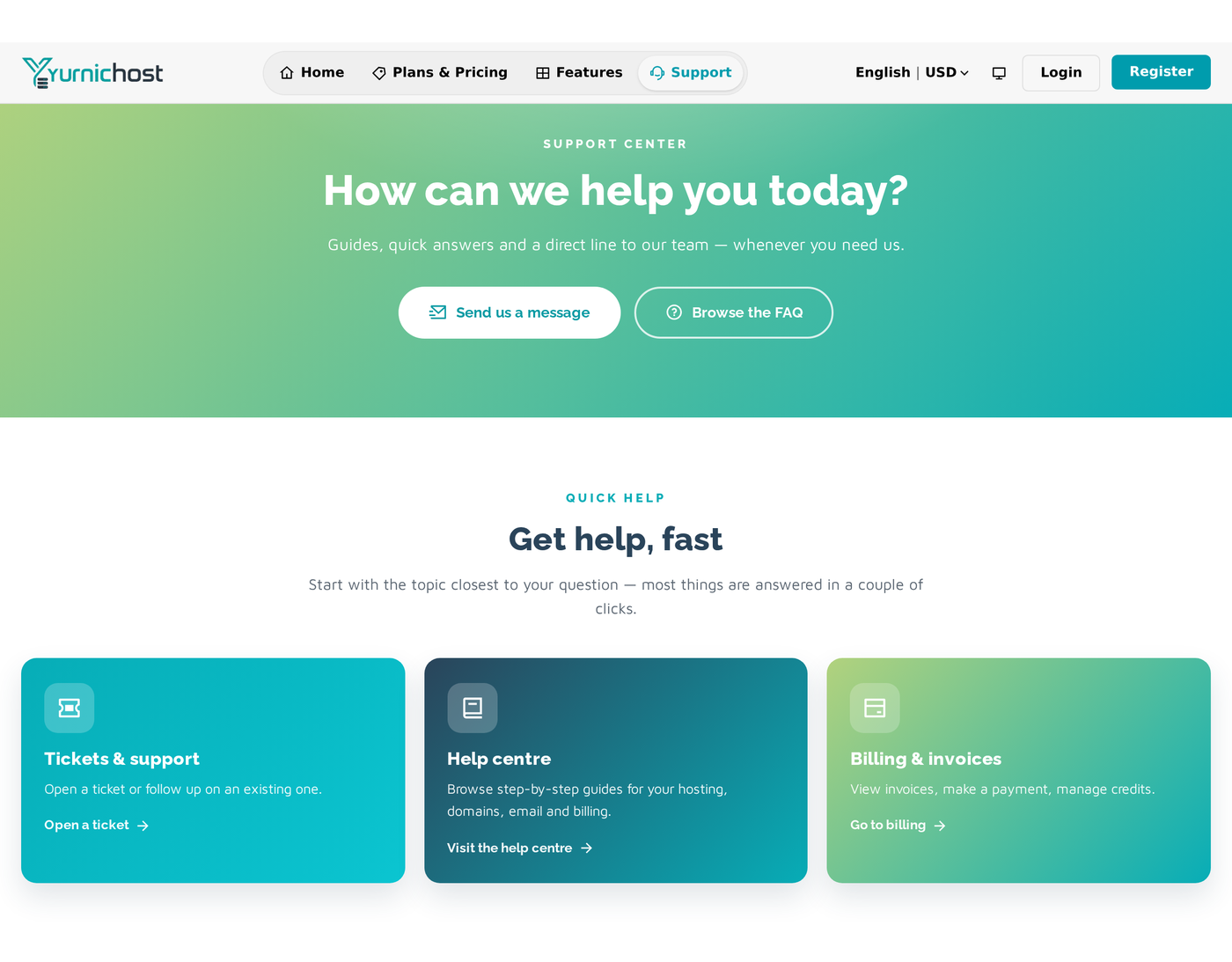
- Go to Tickets and click Create ticket (or the + on the Dashboard).
- Choose a Department — Support for technical and account help, Sales for pre-sales.
- Optionally attach a Service so we have the context.
- Give it a Subject, a Priority (Low, Medium or High), and your Message.
- Add attachments if useful (up to 10 MB each), then submit.
We reply on the ticket, and you'll get an email and an in-app notification. Reply any time to add more; use Close ticket when it's resolved.
For urgent outages, check the Status page first.
Still need help?
Contact support
Our team is happy to help - open a ticket or email us.